
Grants
Mission
“To secure, manage, and administer grant funding that supports Valencia County’s priorities while ensuring full compliance, transparency, and accountability in the use of public resources.”
Department Overview
The Valencia County Grants Department plays a critical role in advancing county initiatives by identifying and securing external funding opportunities that support infrastructure, public safety, community development, and essential services. The department has successfully assisted in bringing in funding for a wide range of projects, including capital improvements, public health initiatives, and community programs that directly benefit residents across the county. With a strong emphasis on compliance, the team ensures that all grant funds are managed in accordance with federal, state, and local requirements, maintaining rigorous oversight, accurate reporting, and responsible stewardship of public funds.
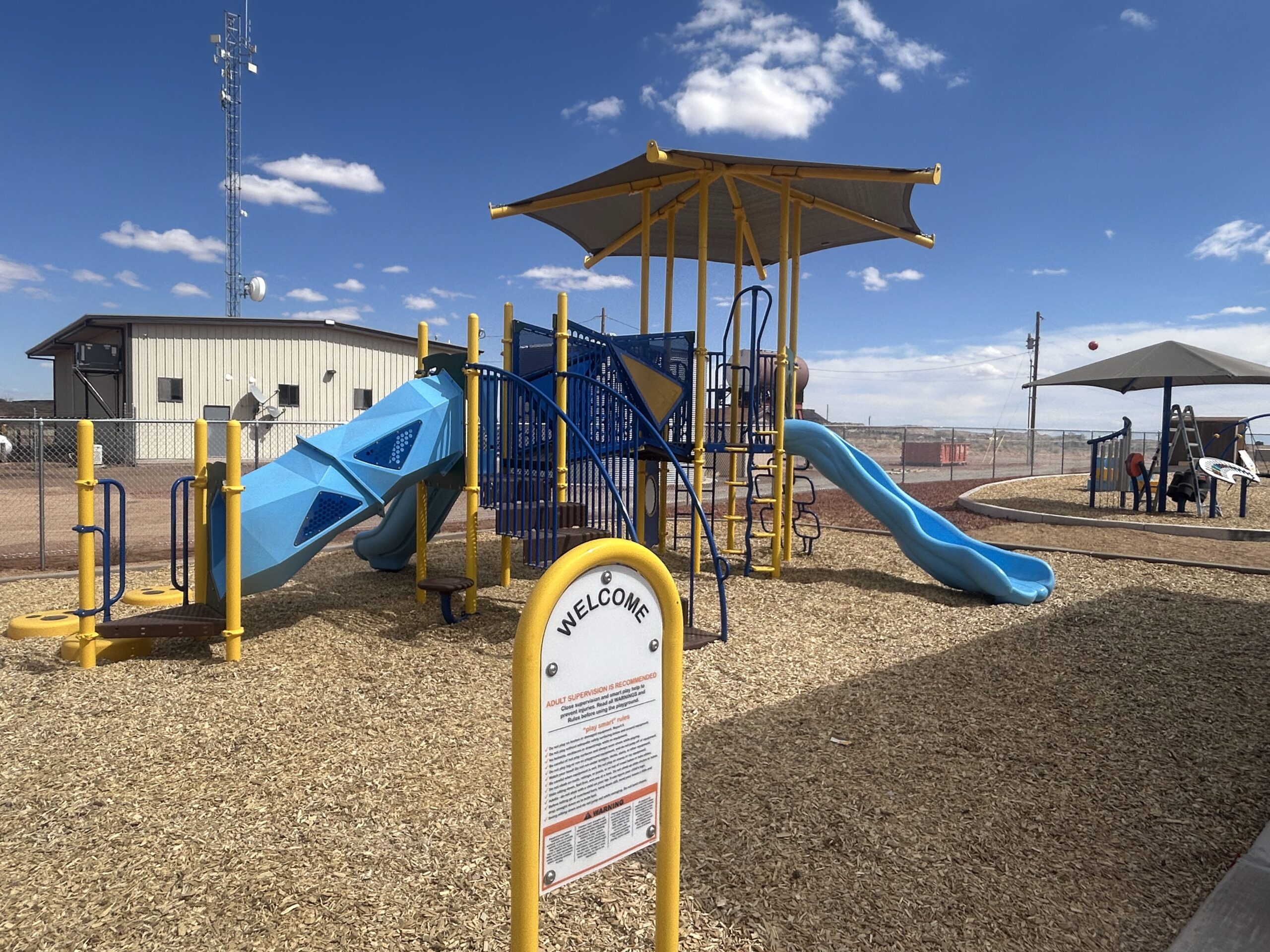
Highland Meadows Park
The Valencia County Grants Department did acquired over $1.3M in various state and federal funding to complete the design and 1st phase of the Highland Meadows Park
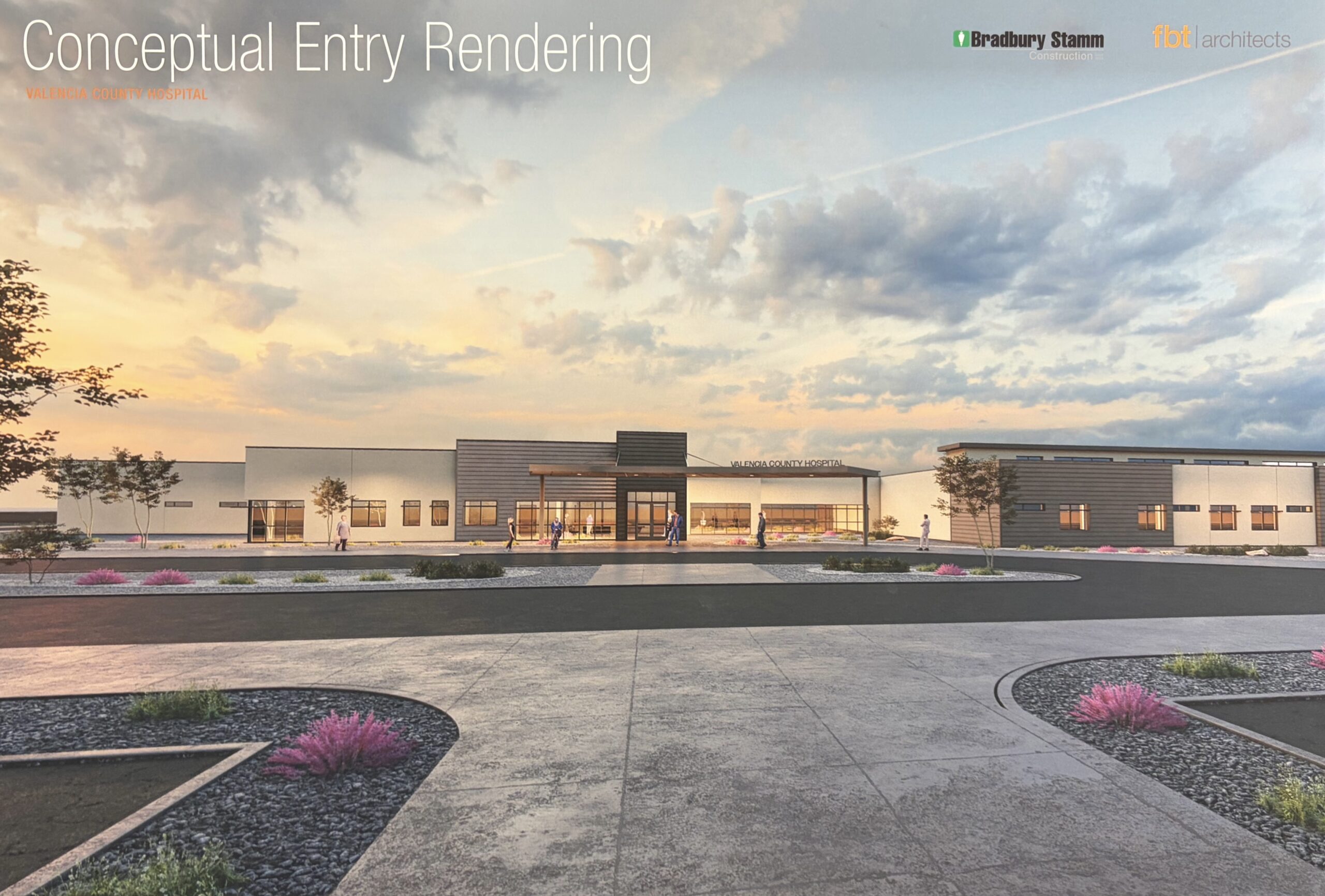
Valencia County Hospital
The Valencia County Grants Department acquired over $68M in various state and federal funding to design and construct the Valencia County Hospital
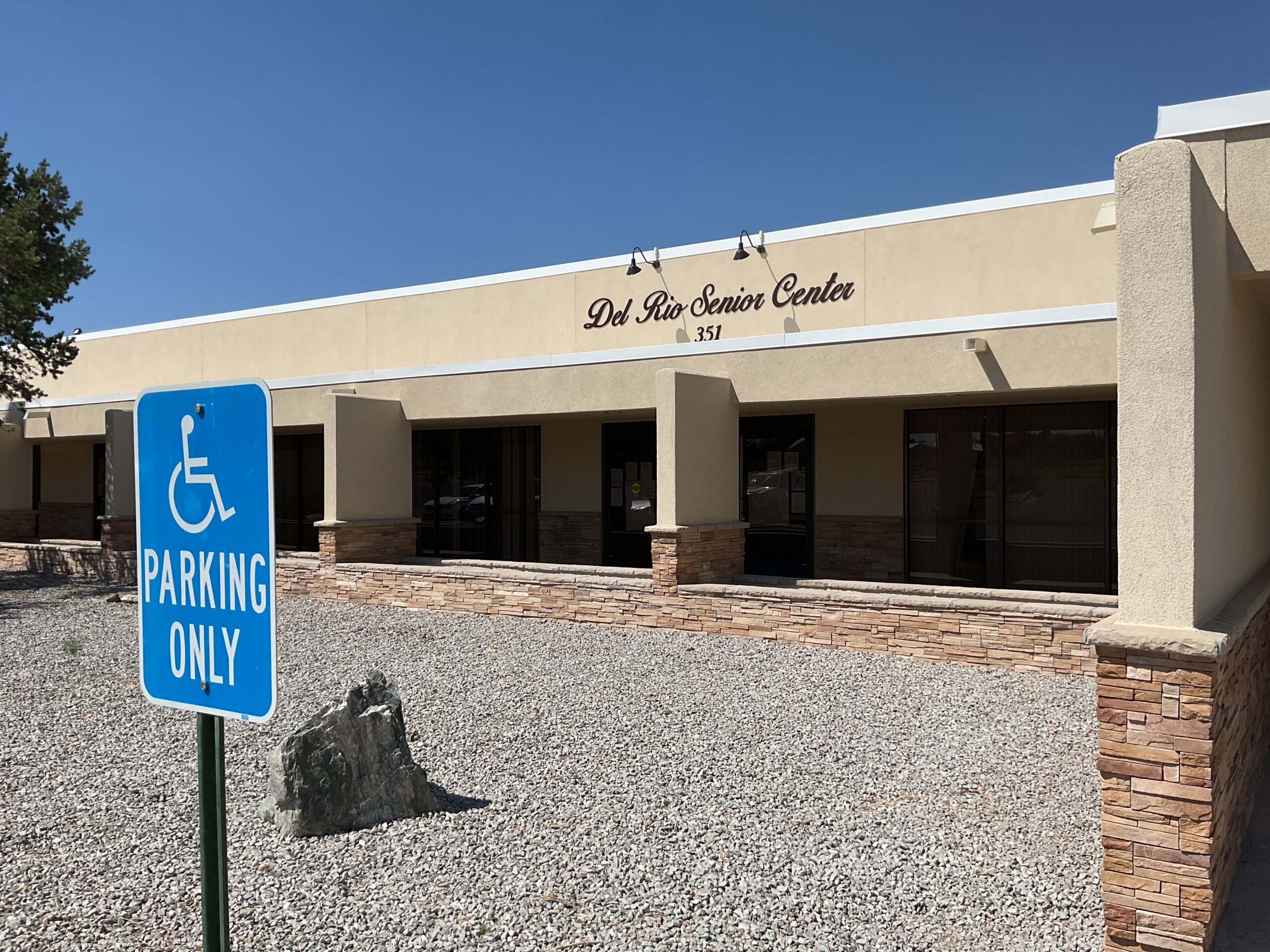
Del Rio Senior Center
The Valencia County Grants Department acquired over $3M in various state grant funds to complete the design and remodel of the Del Rio Senior Center
Contact Us
Physical Address
444 Luna Avenue
Los Lunas, NM 87031
Mailing Address
P.O. Box 1119
Los Lunas, NM 87031
Phone: 505-866-2211
Hours
Monday through Friday
8 am to 4:30 pm
Grants Director
Jeremias Silva
Email: jeremias.silva@valencianm.gov
Phone: 505-866-2035
Grants Financial Coordinator
Joshua Zuni
Email: joshua.zuni@valencianm.gov
Phone: 505-866-2097
Grants Coordinator
Rose LeDoux
Email: rose.ledoux@valencianm.gov
Phone: 505-308-4921
Project Manager
Louie Sanchez
Email: louie.sanchez@valencianm.gov
Phone: 505-314-4915